Old Computer Challenge 2026
During high school, the AP Computer Science curriculum and exam were in Pascal. I had messed around with BASIC on the C64, QBASIC in DOS, and even OS/2 REXX scripts before, but Pascal, and specifically Turbo Pascal 7.0, was how I learned how to program.
The Old Computer Challenge theme for 2026 is “Make Something.” So let’s make something in Turbo Pascal 7.0 running on DOS 6.22.
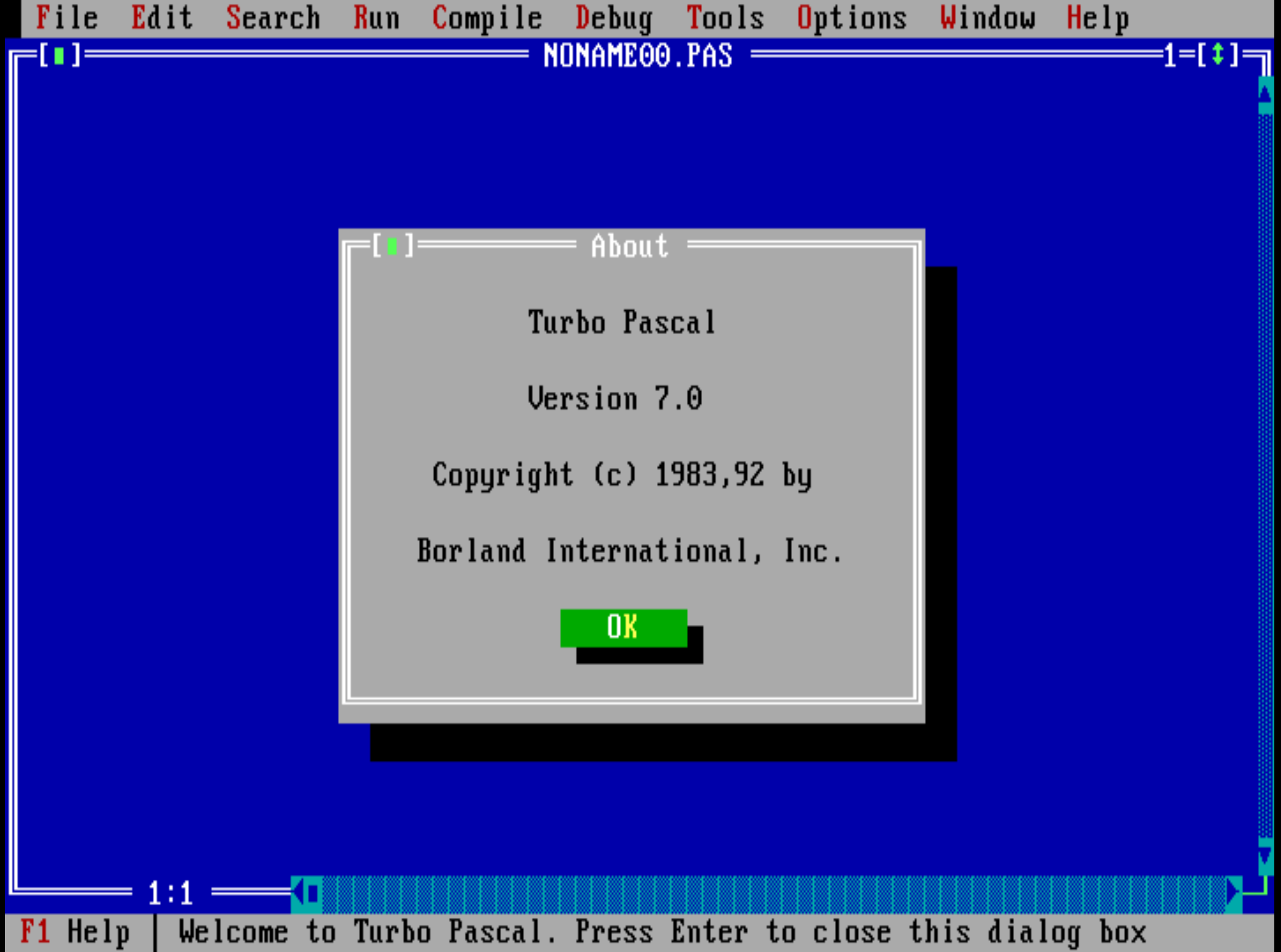
I fired up 86Box and created a virtual machine with an Intel 486 DX/2 and 8MB RAM as my host machine. Installing MS-DOS 6.22 from floppy is quick and installing Turbo Pascal 7.0 from floppy images was just as a fast. In less than 30 minutes there was a working development environment. That’s fast than a fresh Windows install can tell you how many updates it needs to download.
Wordle in Pascal
Picking up Pascal again was like coming back to an old friend.
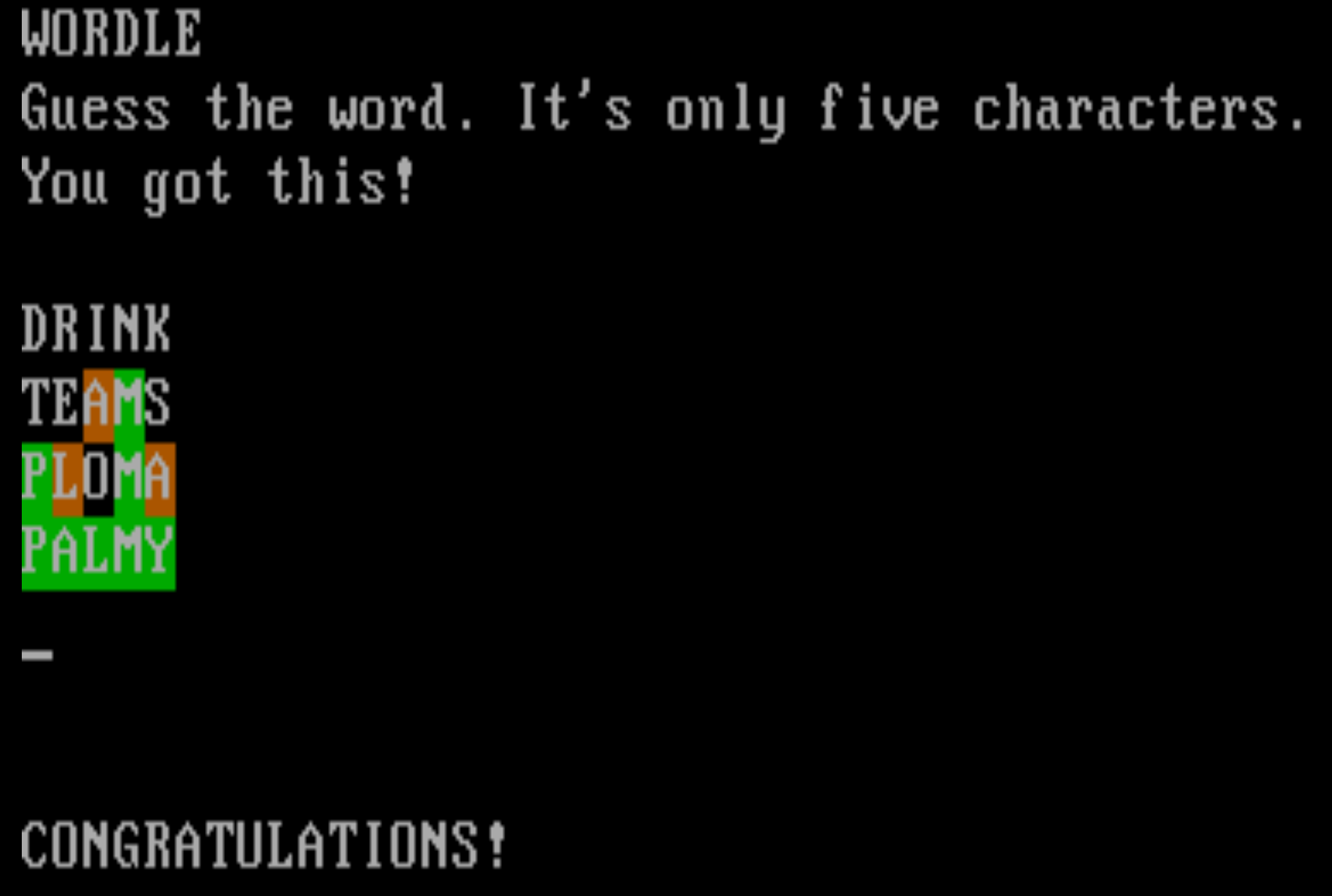
There are three main parts to Wordle. First, select a five-letter word for the user to guess. Second, get input from the user. Finally, check the user’s input and mark up the output. Keep doing steps two and three until the user is correct or enters the maximum number of guesses.
Selecting a Starting Word
To select a word I wanted to read a random word from a file of possible five-letter words. A little bit of egrep magic pulled every five-letter, single-byte character (there are some multi-byte accented characters in the list) word from the american-english word list included in the Debian American English dictionary file.
File I/O in Pascal uses typed files. For Wordle, this is great because everything in the file is only five characters long. Removing all the newlines from the data file made it even easier and the file contained 4667 words all smashed together. Pascal’s typed I/O made it easy to seek a random offset and pull out a word.
function GetWord: TWord;
type
  FWord = array[1..WORD_LEN] of Char;
var
  f: File of FWord;
  i: Word;
  w: FWord;
begin
  Assign(f, WORDS_FILE);
  FileMode := 0;
  Reset(f);

  Randomize;
  i := Random(WORDS_FILE_N);

  Seek(f, i);
  i := FilePos(f);
  Read(f, w);

  Close(f);

  for i := 1 to WORD_LEN do
      w[i] := ToUpper(w[i]);
  GetWord := w;
end; { GetWord }
Notice the type of the variable f as File of FWord with FWord defined as an array of Char. That file type magic makes the Seek and Read work on whole words instead of bytes. Pretty cool.
User Input
Wordle uses an on-screen keyboard to limit the user’s input to only uppercase letters. It also does not allow you to use a word that does not have exactly five characters.

To emulate this behavior with a physical keyboard, I created a function that uses the raw ReadKey function from the Turbo Pascal crt unit. ReadKey does not echo to the console when pressing a key. This gives the opportunity to check if the input is only a letter and allows displaying, and storing, only the uppercase letter. A helpful message appears on the screen if the user tries to hit Enter with less than five characters.
There are two differences in my implementation. First, I don’t check for a valid word from the user. If you want your guess to be FDSAU, then go for it. Second, I can’t blank out your keyboard to show letters you have already guessed incorrectly.
Word Checking
The algorithm to check the word is straightforward. See what letters are correct and if you got all five, then congratulations you won. If not, then run a second check through for letters that are in the word, but, in the wrong place.
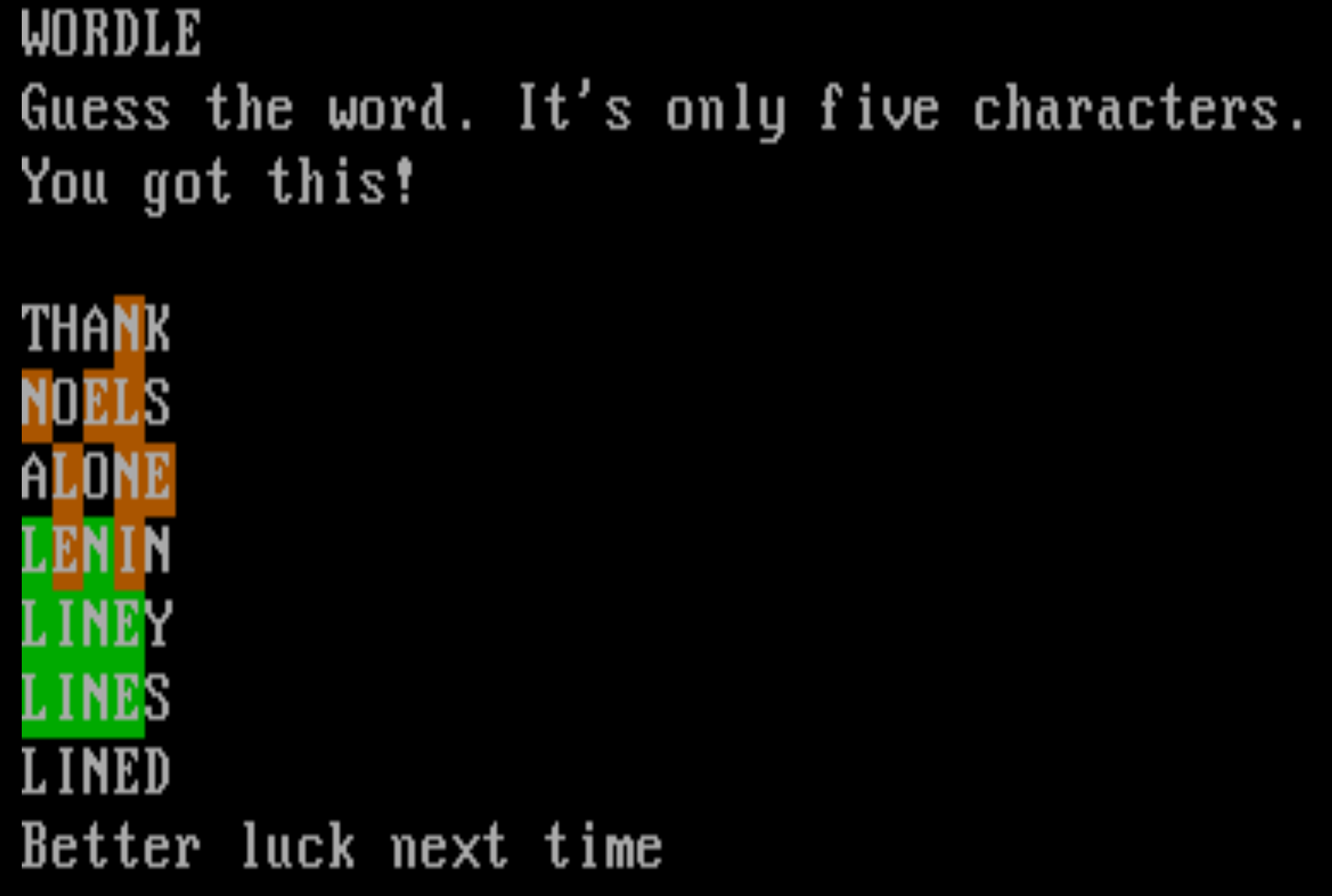
The final step of word checking is to output the results to the user. Again, I turned to the Turbo Pascal crt unit to modify the background color for each letter. Green if you’re correct, Yellow, which is actually orange, if it is in the wrong spot, and Black if it is not in the word.
Conclusion
This was a great blast from the past. Working within the DOS/Turbo Pascal environment was really easy. The built-in debugger is great and the editor is smooth, even with it’s strange MS-DOS cut/copy/paste keyboard shortcuts.
The source code is available. There’s even a 1.44MB floppy image if someone wants to try to run it on a real machine. Both of these come right from the 86Box DOS install. I make no guarantees they will work.